




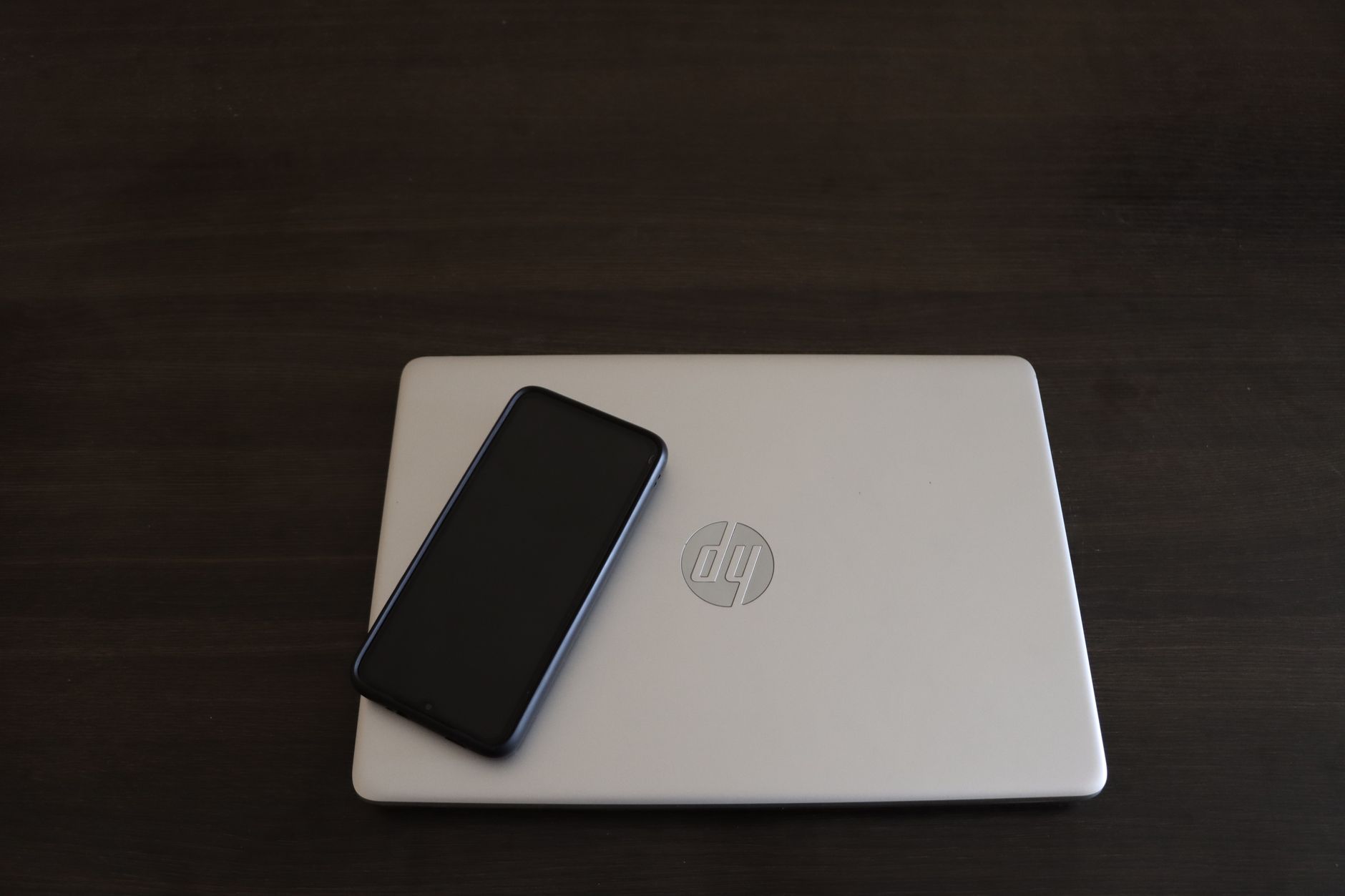
The HP Googlebook 14 review highlights the strengths and weaknesses of this laptop. While it offers impressive hardware, the operating system may disappoint some users.
Overview of the HP Googlebook 14
The HP Googlebook 14 has garnered attention in the tech community, sparking discussions about its overall performance and suitability for everyday use. This laptop is designed to cater to users who prioritize speed and portability, making it an appealing choice for students and professionals alike.
With a lightweight build and a sleek design, the HP Googlebook 14 stands out visually. It features a vibrant display, which enhances the viewing experience for streaming videos and working on documents. However, the performance is a mixed bag, as some users have reported lag when running multiple applications simultaneously.
When it comes to battery life, the HP Googlebook 14 excels, allowing users to work for hours without needing to recharge. Despite its strengths, the operating system has been a point of contention. Many users feel that the limitations of Chrome OS hinder its potential, making it less versatile than other laptops on the market.
In summary, while the HP Googlebook 14 offers several attractive features, its OS may leave users questioning whether it is the best choice for their needs.
Design and Build Quality
The design and build quality of the HP Googlebook 14 make a strong first impression. With its sleek, lightweight frame, this laptop is easy to carry, making it a suitable choice for students and professionals alike. The matte finish gives it a modern look, while also being resistant to fingerprints and smudges.
Upon closer inspection, the laptop features a sturdy hinge that feels robust, ensuring durability over time. The keyboard is well-spaced and offers a satisfying typing experience, although some users might find the keys slightly shallow. The touchpad is responsive and supports multi-touch gestures, enhancing overall usability.
However, the HP Googlebook 14 review shows that while the design is appealing, there are some drawbacks to consider. The screen, although vibrant, has limited viewing angles, which can be frustrating during collaborative work. Additionally, the chassis tends to flex under pressure, indicating a need for a more rigid construction.
In summary, while the design of the HP Googlebook 14 is stylish and functional, it may not be enough to outweigh its shortcomings in build quality for some users.
Performance Evaluation
In evaluating the performance of the HP Googlebook 14, it’s essential to consider its capabilities in real-world usage scenarios. Users have reported a mix of experiences, particularly regarding its processing power and speed.
The HP Googlebook 14 is equipped with an Intel processor that handles basic tasks with ease, such as browsing the web, streaming videos, and using productivity applications. However, when it comes to demanding applications or multitasking, the performance may falter. Here are some key points to consider:
- Speed: The laptop generally performs well for everyday tasks but can struggle with more intense workloads.
- Battery Life: Users praise its battery life, which can last a full day on lighter usage, making it ideal for students and professionals on the go.
- Heat Management: The device tends to run warm under heavy loads, which may raise concerns about long-term durability.
Overall, while the HP Googlebook 14 review highlights some strengths, its performance limitations may lead potential buyers to reconsider if it’s the right choice for their needs.
Battery Life Insights
The battery life of the HP Googlebook 14 has been a topic of considerable discussion among users and tech reviewers alike. While the laptop boasts a sleek design and impressive performance, many find its battery longevity to be a point of concern.
On average, users report that the HP Googlebook 14 can last around 6 to 8 hours on a single charge. This duration may be sufficient for light tasks such as browsing the web and streaming videos, but it falls short for users who require more robustness during their workday.
In comparison to other laptops in its category, the battery performance of the HP Googlebook 14 does not stand out. Factors affecting battery life include:
- Screen brightness: Higher brightness levels can drain the battery faster.
- Running applications: Intensive tasks can lead to quicker depletion.
- Background processes: Unnecessary apps running can adversely impact longevity.
Ultimately, if battery life is a critical factor for your laptop choice, the HP Googlebook 14 may not be the ideal option, despite its other appealing features.
User Experience and OS
The user experience of the HP Googlebook 14 is a mixed bag, primarily influenced by its operating system. While the hardware impresses with its sleek design and performance capabilities, the OS leaves much to be desired. The laptop runs on Chrome OS, which is designed for simplicity and speed, but this can also limit functionality for those who require more robust software options.
Many users appreciate the lightweight nature of Chrome OS, allowing for quick boot times and seamless integration with Google services. However, power users may find themselves frustrated by the lack of traditional desktop applications. This could lead to a feeling of confinement, especially when trying to execute tasks that require more than just web-based solutions.
Some common user feedback highlights the following points:
- Speed and Efficiency: The HP Googlebook 14 is quick for everyday tasks like browsing and streaming.
- App Availability: Limited access to software can hinder productivity for some users.
- Overall Experience: While the laptop is well-built, the OS can be a dealbreaker for many.
In conclusion, the HP Googlebook 14 review reveals that while the hardware is commendable, the operating system may not meet everyone’s needs.
Comparing HP Googlebook 14 to Competitors
In the competitive landscape of laptops, the HP Googlebook 14 faces stiff challenges from several formidable contenders. When comparing it to other Chromebooks, such as the Acer Chromebook Spin 713 and the Lenovo Chromebook Duet, key differences become apparent.
- Performance: While the HP Googlebook 14 offers decent performance for everyday tasks, competitors often deliver superior processing power, especially for multitasking and heavier applications.
- Display Quality: The HP model features a satisfactory display; however, rivals like the ASUS Chromebook Flip C436 boast higher resolution options that enhance the viewing experience.
- Port Selection: Users may find the port selection on the HP Googlebook 14 somewhat limited compared to competitors that offer a wider range of connectivity options, making them more versatile for various needs.
- Price Point: The HP Googlebook 14 is priced similarly to high-end options, yet it lacks some of the advanced features found in its rivals, potentially making it a less appealing choice for budget-conscious consumers.
Ultimately, while the HP Googlebook 14 has its merits, potential buyers should carefully weigh these aspects against the offerings of its competitors.
Pros and Cons of the HP Googlebook 14
The HP Googlebook 14 has garnered attention for its unique features and usability. However, like any device, it comes with its own set of pros and cons that potential buyers should consider.
- Pros:
- Affordable pricing: The HP Googlebook 14 offers excellent value for users on a budget.
- Lightweight design: Its portable nature makes it ideal for students and professionals on the go.
- Long battery life: Users have reported extended usage times, allowing for all-day productivity.
- Integration with Google services: Seamless access to Google applications enhances overall user experience.
- Cons:
- Limited operating system: The HP Googlebook 14 runs on Chrome OS, which may not support all applications users are accustomed to.
- Performance under heavy loads: While suitable for basic tasks, it may struggle with resource-intensive applications.
- Build quality concerns: Some users have noted that the materials feel less durable compared to competitors.
Overall, the pros and cons of the HP Googlebook 14 highlight its strengths and weaknesses, making it essential for consumers to weigh their options carefully.
Final Verdict on HP Googlebook 14
After thoroughly examining the HP Googlebook 14, it is evident that this laptop offers a mixed bag of features and performance. While its design and build quality are commendable, the overall experience is heavily influenced by the operating system. Users have pointed out that the limitations of Chrome OS can hinder productivity, especially for those who are accustomed to a more traditional desktop environment.
In terms of performance, the HP Googlebook 14 holds its ground for everyday tasks such as browsing, streaming, and document editing. However, it struggles with more demanding applications, which may deter power users. Battery life is a strong point, delivering impressive longevity that keeps users connected throughout the day.
On the flip side, the lack of software compatibility and reliance on web-based applications can be a dealbreaker for many. In comparison to its competitors, the HP Googlebook 14 stands out in design but falls short in versatility.
In conclusion, the HP Googlebook 14 review suggests that while it may meet the needs of casual users, it may not be the ideal choice for everyone. Potential buyers should weigh their specific requirements against the limitations of this laptop before making a decision.
When considering the overall performance and features, the HP Googlebook 14 review raises several concerns that potential buyers should be aware of. Additionally, the battery life mentioned in the HP Googlebook 14 review may not meet the expectations of users looking for longevity in their devices.
Photo by Ahmed Lishane on Pexels
Read the original
Related reading
Bitcoin Price Prediction 2026: The Worst Case Scenario Explained · Corporate Taxation Future: Best Proven Strategies Ahead · Reliance Group IPO: Best Proven Strategy for Investors